



Spinanzia Mobile App
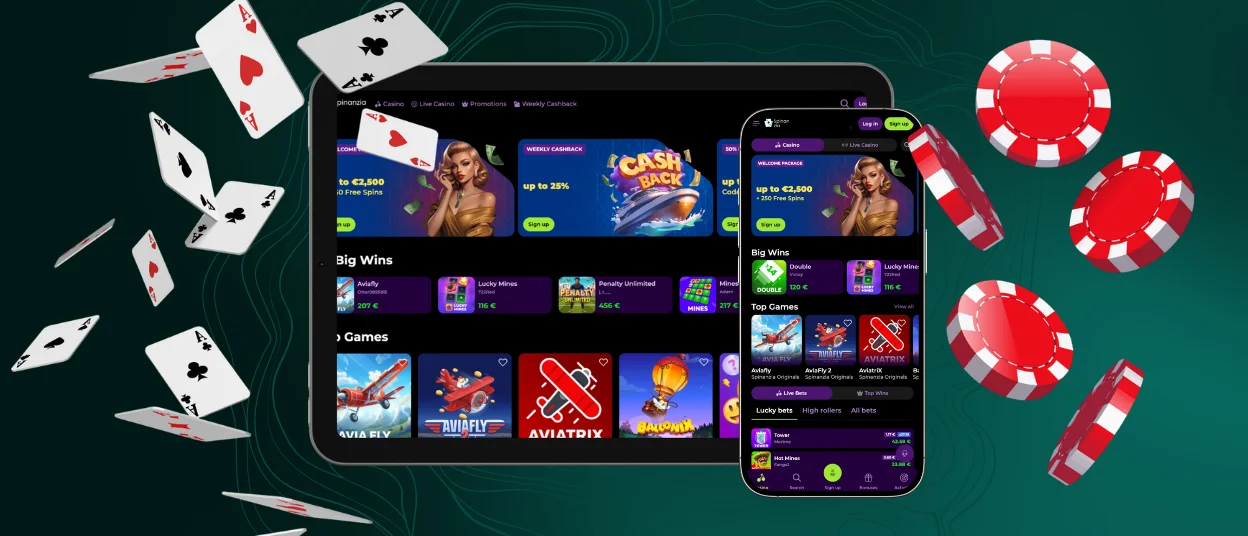
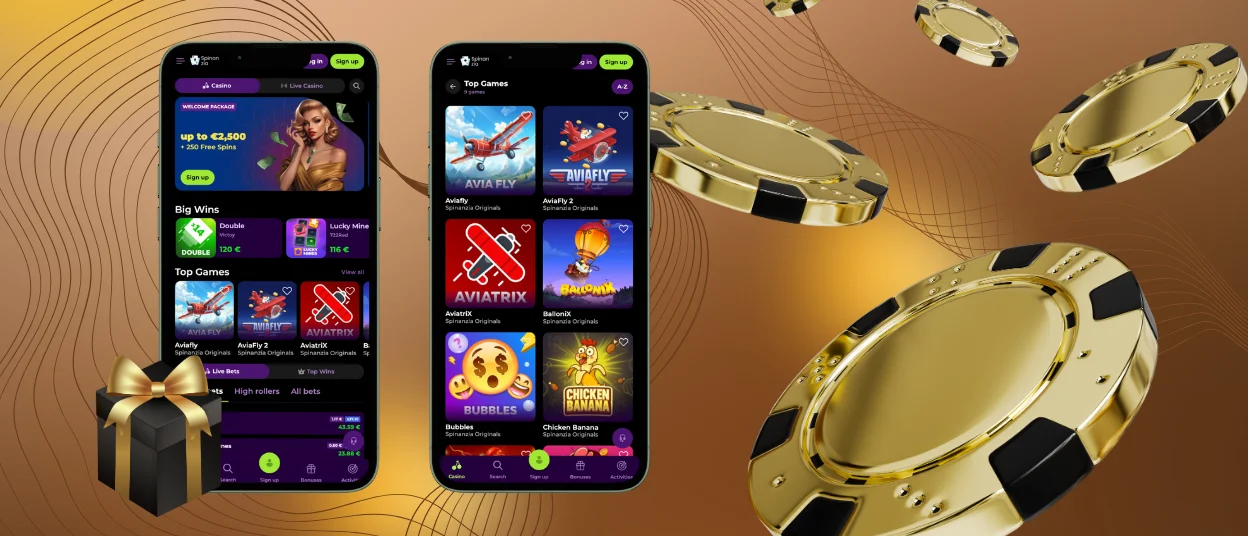
The Spinanzia Mobile App lets you open your casino account from a smartphone or tablet. It works as a PWA designed for mobile access. Mobile casino games, account tools and available promotions remain accessible on supported mobile devices.


Benefits of the Mobile Casino
The table summarizes the main benefits of mobile access to Spinanzia.
| Benefit | Details |
| Faster access | Launch Spinanzia directly from a shortcut on the home screen. |
| Easy navigation | Use menus, buttons and page sections designed for touchscreen controls. |
| App-style display | Open the PWA in its own window instead of a regular browser tab. |
| Flexible access | Use the home-screen shortcut or open the official website in a compatible mobile browser. |
| Light on storage | The PWA uses less device space than a traditional Android or iOS application. |
Download and Installation
The Spin Anzia app download starts on the official website and adds the web application to a device without requiring a traditional installer. The setup method depends on the selected platform.
Android Installation
To create the Android app-style shortcut:
- Open the official Spinanzia website in Chrome.
- Tap the browser menu marked with three dots.
- Select Add to Home Screen.
- Confirm the action by tapping Add.
- Launch Spinanzia from the home screen or the available application list.
Menu names and positions may vary between Android devices.
iPhone and iPad Setup
To create the iOS app-style shortcut:
- Open the official Spinanzia website in Safari.
- Tap the Share button.
- Select Add to Home Screen.
- Confirm that the shortcut should be added.
- Open Spinanzia from the new home-screen icon.
Controls in other iOS browsers may differ.
Spinanzia on Desktop Browsers
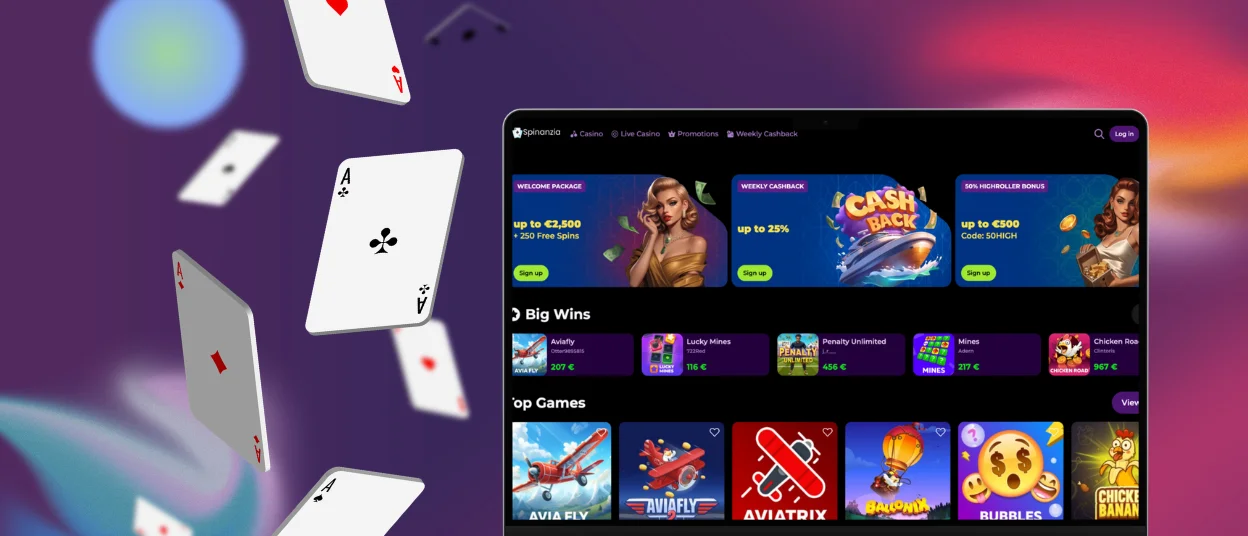
Spinanzia can be opened on a desktop or laptop through Chrome, Edge or another compatible browser. Games and account tools remain available through the website, so no separate desktop application is required.
A larger screen provides more space for the game lobby, live casino tables and account sections. Desktop access can be convenient for longer sessions, comparing games or managing profile settings without the limited space of a mobile display.
Mobile Gaming Security
The Spinanzia app is provided as a PWA and is added through the official website. Doesn’t require a separate APK or software from third-party sources, which eliminates the risk of installing modified or malicious files.
Spinanzia works on browser permissions, so it cannot access the device features like photos or contacts without the user’s permission. Login and transaction data are transmitted via HTTPS, and the current version loads online without the need to manually download update files.
App and Game Loading Issues
If a page or game fails to load, the following general checks may help identify the problem:
- Check whether the internet connection is active and stable.
- Close the Spinanzia app or browser page, then open it again.
- Confirm that the browser is using its current available version.
- Clear the browser cache if the loading problem continues.
- Contact customer support when the issue remains unresolved.
These actions do not guarantee that every loading problem will be corrected. They provide a practical starting point without assuming that the fault comes from Spinanzia or from a specific part of the device.
Frequently Asked Questions
Can I Use One Account on Multiple Devices?
Yes. The same Spinanzia profile can be used on supported mobile and desktop devices. The balance, account information and available history remain connected to that profile when you move between devices. This does not confirm that one active game session can run on several devices at the same time.
Can I Remove the Spinanzia App From My Device?
Yes. Remove the PWA shortcut from the home screen or app settings of your device. This will delete the shortcut but won’t close your Spinanzia account. You can add the app from the official website at any time.
Is Customer Support Available in the App?
Yes, I do. If you need help you can open the help section from the mobile device . It provides a means to reach out to customer support without downloading yet another app. Available contact options should be checked directly in that section


